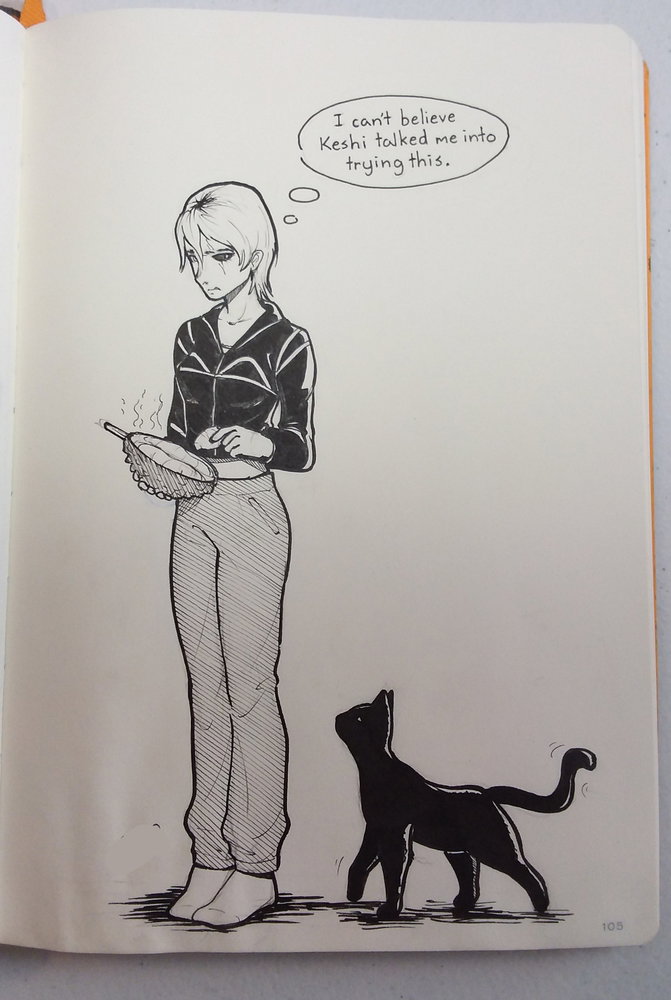
I have not one but two Inktober drawings for today :D The first prompt is panic and the second is stinky
⬆️ This is the scene right after Takeshi comes home from seeing their parents get killed The door isn't in perspective which is bothering my perfectionist side but we don't talk about that
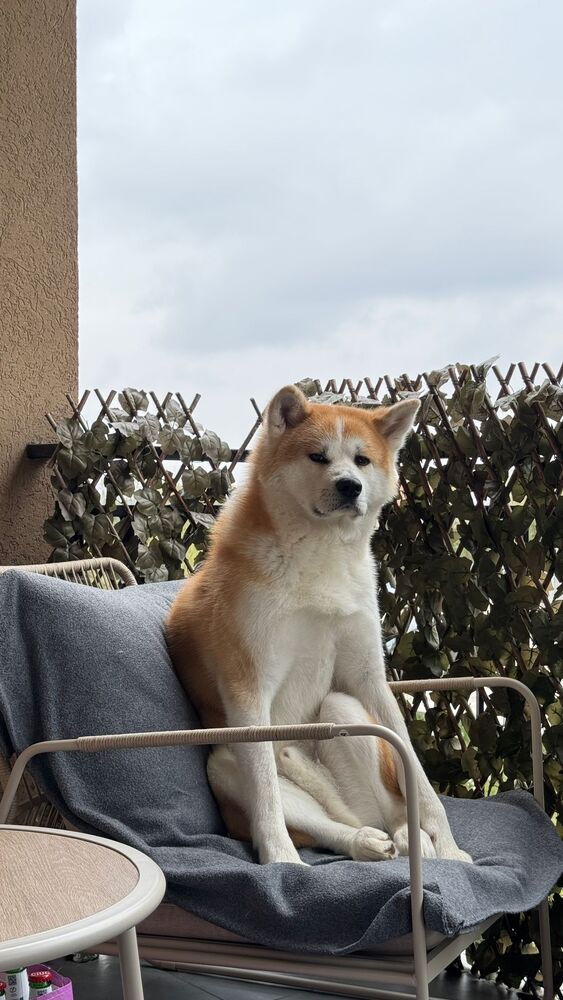
P.S. If anyone has name ideas for the Akita, let me know :3
This one's a bit simpler because I'm trying and failingto catch up
P.S. If anyone has name ideas for the Akita, let me know :3
I didn't want to jump in front since I'm just a lurker here, but if no one else volunteers...
I lived with an Akita for a few weeks, until his forever family was able to pick him up. His given name was Tayo, I thought... until I was told "yeah, the whole litter has Japanese names" and realised it was actually 太陽(たいよう). Since he was a mischievous pup, I felt the name was a little much for him at the time, so unofficially we called him Samu (SA-mu), from a humourous dog name in a local fable, Samurache (sa-mu-RA-ke), which might or might not come from 侍(さむらい).
The one in your [awesome] drawing looks like an American Akita, though. Ours was the standard Japanese (with a double side of cheekiness and more brains than I've seen in some humans).
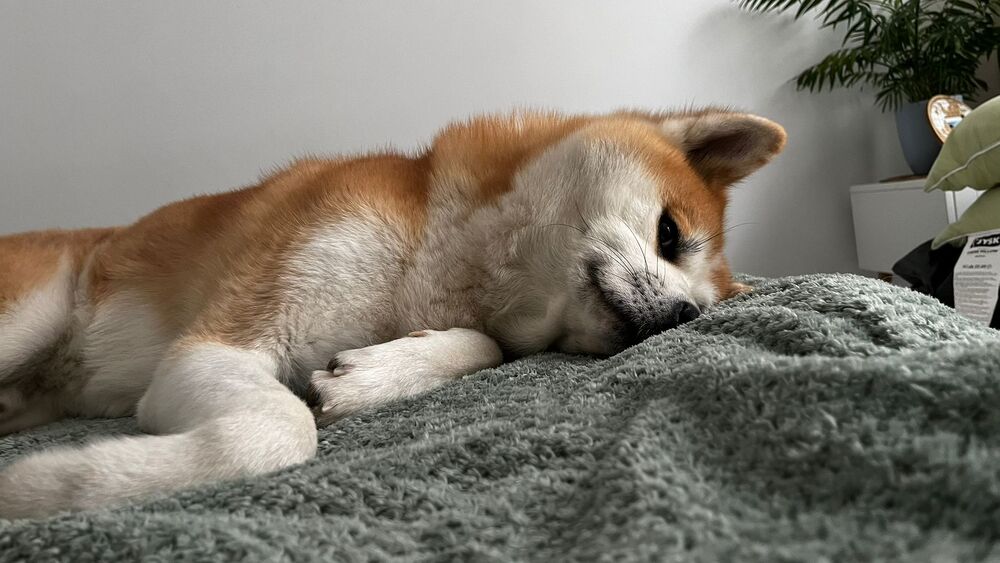
Photos of him as a pupper are in my old phone, but this is Samu/Taiyou now, at his biggest (and apparently silliest):
Is there anyone here who has tried animation before and has any good recommendations for apps to use?
I use FlipaClip. I also have never tried anything else and thus have no meter of how good it is in comparison to other apps. If you try it, I suggest only going in with airplane mode on because the ads are nuts.
『!!☆˙⋆✮「 ジョースター」˙⋆✮☆!!』 (10月25日, 9:47)
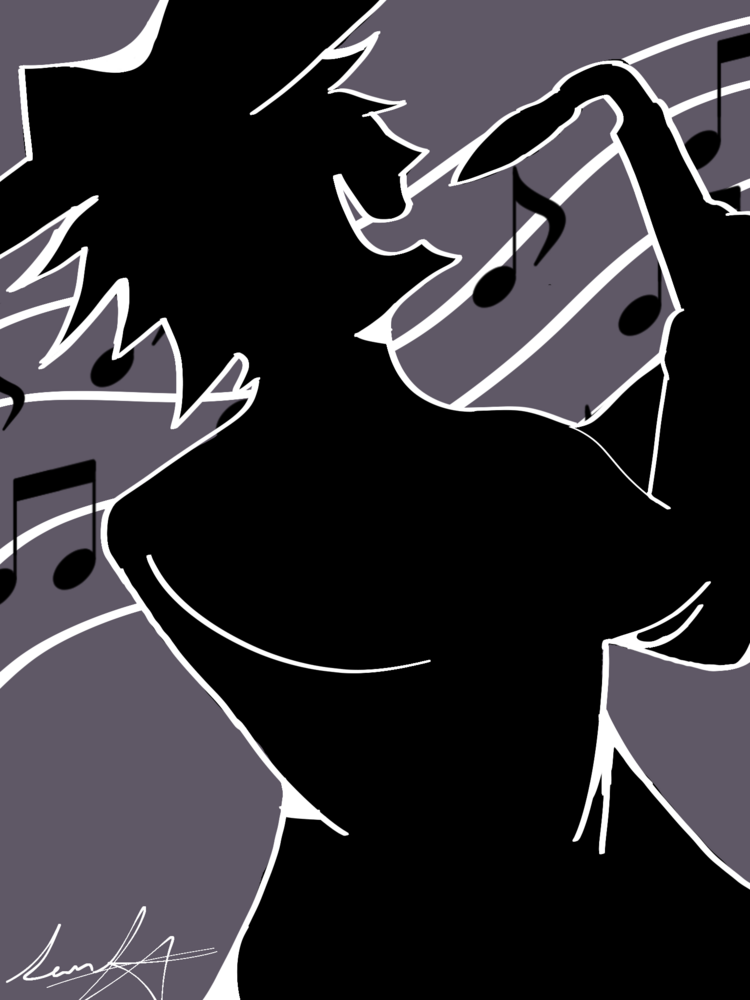
Shadow guy!! (Another deltarune character )(also I drew the sax so bad that's not even the right way to play it , this is coming from a sax player)
Yo I suggest making yellow from chapter 5 next, make him like the shocked pose while he's putting on his socks lolll


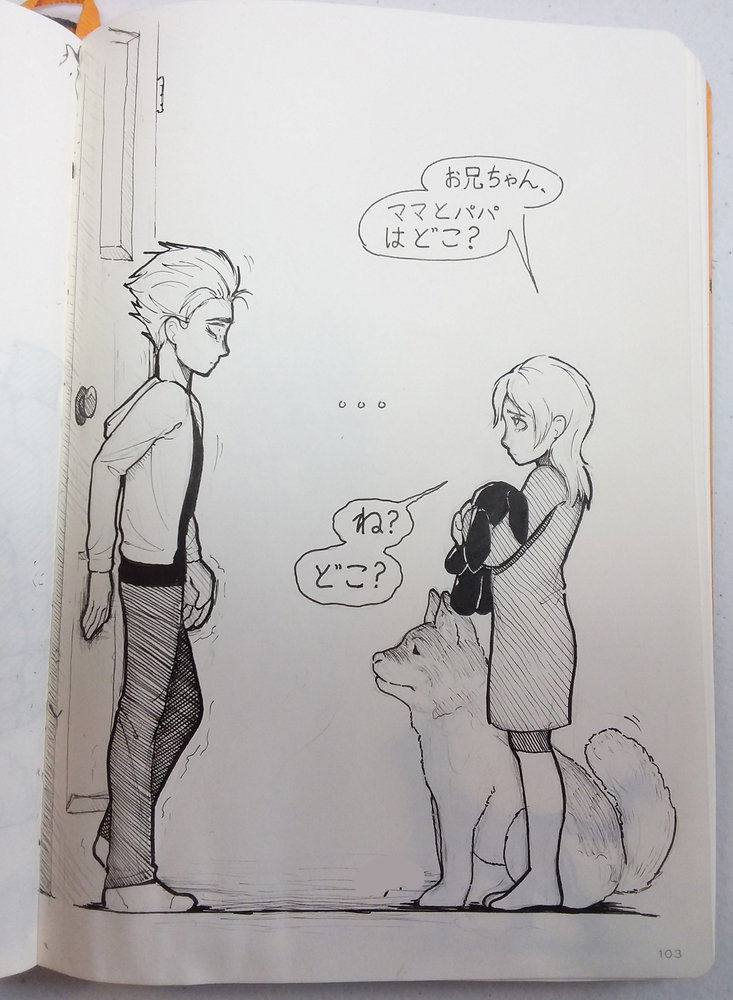
 The door isn't in perspective which is bothering my perfectionist side but we don't talk about that