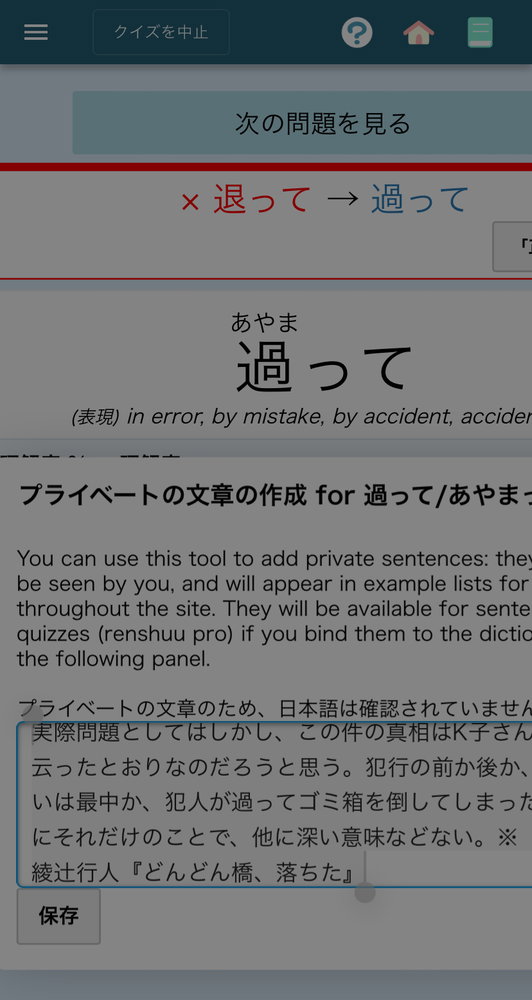
I tried doing a fill in the blank quiz on my iphone and the quiz would start glitching out and leave me with either a white or black screen, forcing me to close and restart the app. It’s a pretty consistent bug. The dictionary also starts glitching when I type in it, and generally crashes after a couple of searches. I haven’t tried it on ipad recently so not sure if it is just iPhone or ios wide.
I’m not sure if this the same issue that I’ve been experiencing or not. In my case, the modal dialogue with the text box disappears (I think it’s hidden behind another element), and the app is non-responsive unless I click something that closes the dialogue. It happened to me once in another app, so I’m not sure it’s the app’s fault. It has been happening regularly, but only started happening recently.
It's a newer version with a ton of updates for the packages that renshuu uses (which means a lot of bug fixes). It also, through TestFlight, makes it easier to send info-rich crash reports.
I've seen this, but I have not yet been able to replicate it :( - even on my dev copy of it, I've seen it happen, but subsequent tries never seems to work. If you can get a simple set of steps, I'd *love* to hear about it.
I tried installing test flight. How do I send a proper crash report because my quiz just glitches with some black screens and then I’ll get a white screen (with menu bar on top) that won’t allow me to leave it without closing the app.
I'm not sure, exactly :( - I did a quick search, and it looks like perhaps you do it from inside the TestFlight app after the crash has taken place? Interestingly, I *do* see a new crash report in my testflight panel, but there's no feedback on it. Perhaps you have to send feedback for it to become visible.
Note: I do have another way to check out reports, but can you tell me the specific device/iOS version? Hopefully I can use that to find the report (they do not have any personally identifying info in them.)
I noticed that my iOS wasn't up to date when I went to check. I tried updating it and I think that has fixed the issue (at least my quiz isn't glitching and crashing after 2 questions now). Thank you for reminding me to upgrade my os