Vocabulary dictionary

Kanji dictionary

Grammar dictionary

Sentence lookup

test
 

Forums - (Resolved) Keyboard not collapsing during quizzes

Top > renshuu.org > Bugs / Problems


avatar
Level: 957

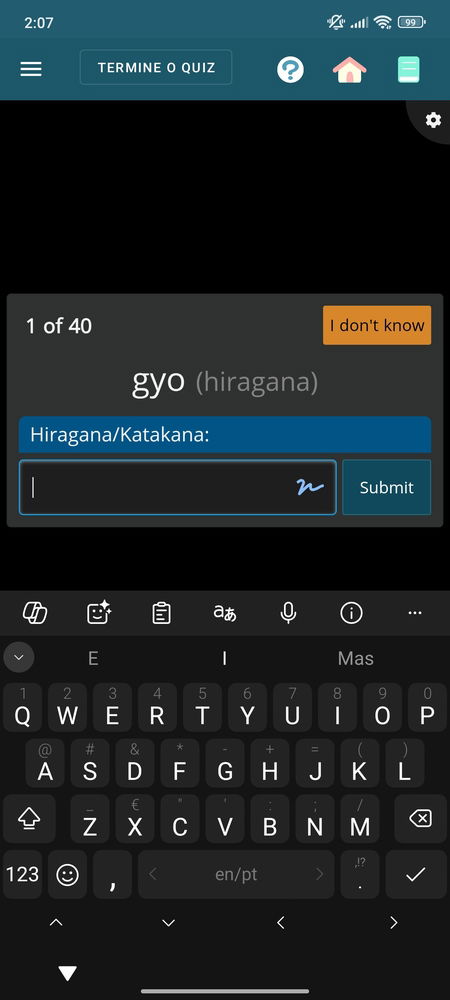
Using Gboard on a Samsung S20 phone (Android OS). My quiz questions and answers are obscured by the keyboard, which won't collapse until I tap outside of the quiz area. When I go to type, the keyboard obscures the quiz area again and makes it impossible to read the question.

Screenshot of the problem:

aee9f7e1a4fb04bfc78f5fbf.png
1
10 months ago
avatar
マイコー
Level: 331

Are you on the new beta version of the Android app?

1
10 months ago
avatar
Level: 957

Are you on the new beta version of the Android app?

Yes, I just updated the app today.

0
10 months ago
avatar
ガムシャラ
Level: 622

Same thing happening here, also on the updated Android app.

I tested the two keyboards I have (SwiftKey and GBoard) to check if the behavior changed, but it's the same thing with both.


EDIT: It seems to be at least partly app-wide. It's also covering up the pages in Shiritori and Shiritori Cat. I have a vague memory that it also behaved a bit differently when playing crosswords, but I'm not sure ー now the keyboard just pops up over the page.

1
10 months ago
avatar
Level: 957

I've noticed that the bottom bar of the screen (with the home and tabs button) doesn't minimize when I'm using the app, so that might be connected.

1
10 months ago
avatar
マイコー
Level: 331

I believe you are all on the beta track in android, which does have some new code to meet google play standards. I can replicate most of this, so I'll hopefully have an update out today.

As far as the bottom bar goes, I'd love to have screenshots of that issue.

1
10 months ago
avatar
Level: 957

As far as the bottom bar goes, I'd love to have screenshots of that issue.

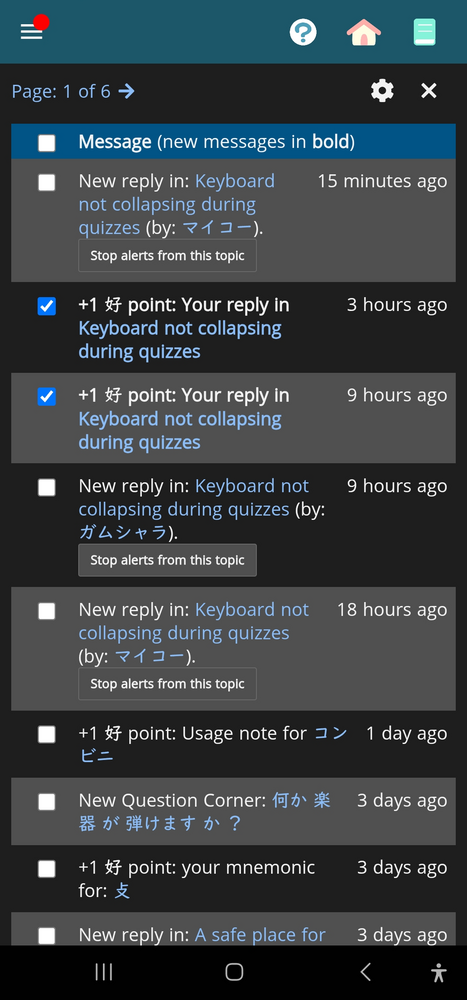
I'm trying to select some notifications to mark them as read and the black bar at the bottom of the screen is in the way:

7ebb691747b990415696e7cc.png

I think it used to automatically collapse

0
10 months ago
avatar
マイコー
Level: 331

Thanks. Currently waiting for review on the keyboard issue. I think I have an idea for that fix, but will work on it later today.

What version of Android are you on?

1
10 months ago
avatar
Level: 957

Thanks. Currently waiting for review on the keyboard issue. I think I have an idea for that fix, but will work on it later today.

What version of Android are you on?

Version 13, hope this helps kao_great.png

0
10 months ago
avatar
マイコー
Level: 331

It does! I figured out a fix for that - so just working on one small other visual fix for those that do not have the three-button nav, and I'll be able to upload the fixed version.

2
10 months ago
avatar
マイコー
Level: 331

There's a new update available, version number ending in 0703. Please give it a try!

2
10 months ago
avatar
ガムシャラ
Level: 622

There's a new update available, version number ending in 0703. Please give it a try!

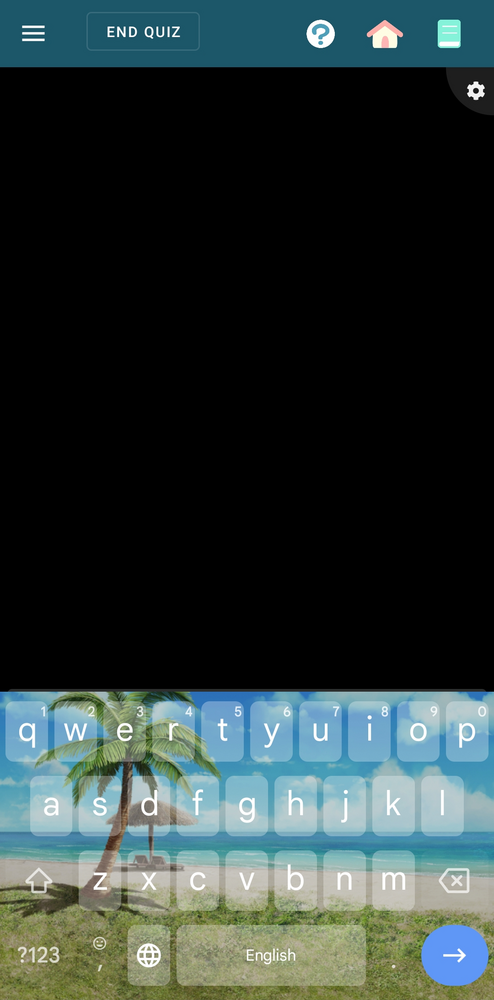
Just letting you know that the keyboard issue seems to be fixed. Thank you!


8041214a91f5bc2372ce7461.jpg
0
10 months ago
avatar
Level: 957

There's a new update available, version number ending in 0703. Please give it a try!

It's working for me, thanks!

0
10 months ago
Getting the posts


Top > renshuu.org > Bugs / Problems


Loading the list
Lv.

Sorry, there was an error on renshuu! If it's OK, please describe what you were doing. This will help us fix the issue.

Characters to show:


Use your mouse or finger to write characters in the box.
■ Katakana ■ Hiragana