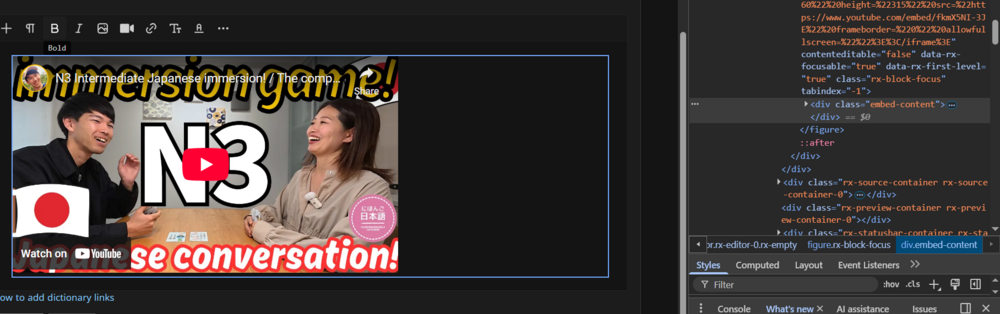
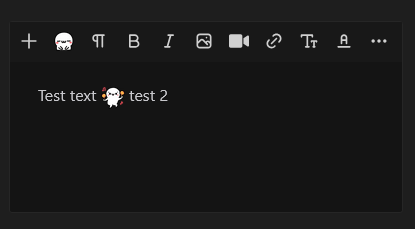
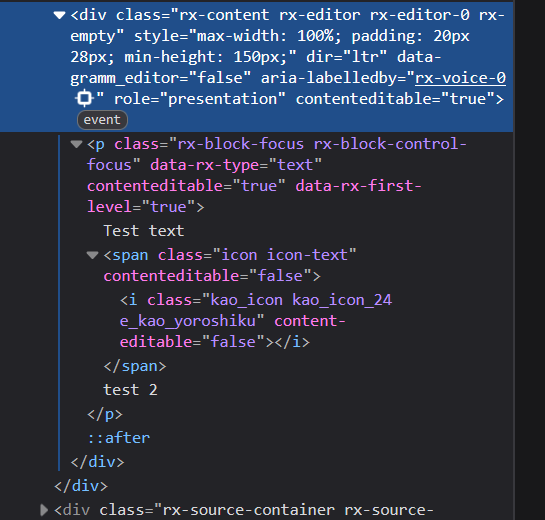
I talked about the issue with kaomoji being editable quite extensively on the other thread and I'm currently testing adding contenteditable='false' to either the span or the i element. At the moment to the i element (it's much easier to target).
It, obviously, fixes all of the issues I mentioned in the other thread, but it looks like a lot of the other issues aren't directly related to
contenteditable, and seem to still be present. I'm also having a hard time figuring out whether setting it to "false" has any direct adverse effect. Kaomoji simply do not behave the way a "normal" emoji does (e.g. 😀). For example moving them up and down with Enter or Backspace is simply impossible.
What I expect:

What actually happens with kaomoji is the following:
a) editable - I get a line break, the kaomoji is left on the previous line, and I get a duplicate on the new one.
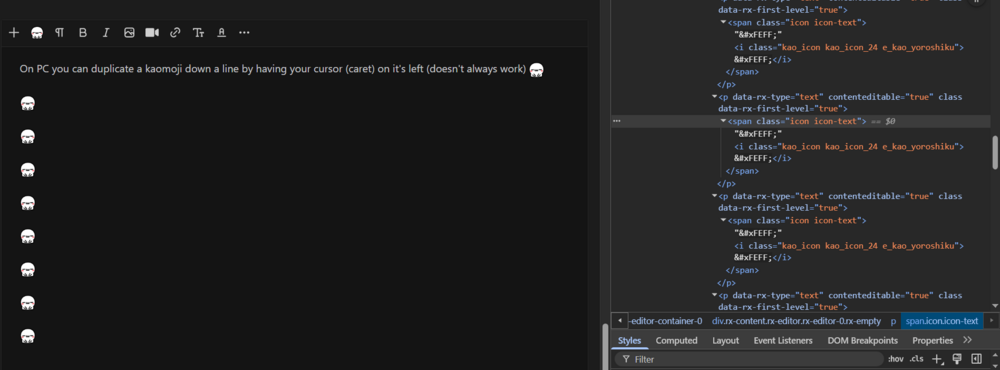
The duplication, of course, happens because they are editable. it's very much reproducible, as long as your caret is in the right spot.
b) non-editable - It's the same thing, the kaomoji gets left behind, except no duplication happens.
I did manage to find a fully reproducible bug with Backspace - when you add a kaomoji to a completely empty post (has to be line one), you can't delete it using Backspace. This is the case regardless of contenteditable being true/false. I have to actively "select" the kaomoji in order to delete it. Having contenteditable set to false is a bit better, since you can actually have your caret to the left of the kaomoji and push it to the right. Without it you'd just start typing/adding spacing inside the i element.
I believe all of this weird behaviour is caused by the design of the DOM structure. Kaomoji aren't treated like characters, but instead like replaced elements (I think that's actually what they are).
I also feel like the "zero width, no-break space" characters are causing issues. Potentially, I can't confirm this.
Is there a reason why you chose not to use a Unicode character + font substitution (emoji fonts), or a Unicode object replacement character?
My understanding is that the way you have them right now provides better display consistency and cross-platform reliability, but the editing experience (PC) seems to be way worse. Very much not my field of expertise though.
PS: I'm just providing some feedback and suggestions, not demanding anything :)
Happy holidays!
Edit: I didn't consider any API limitations, as I don't know your exact setup, or what is/isn't part of the out of the box API (Editor). I had assumed that kaomoji were tacked onto the Editor, so you'd have a lot of control, but if that's not the case, I apologise :)