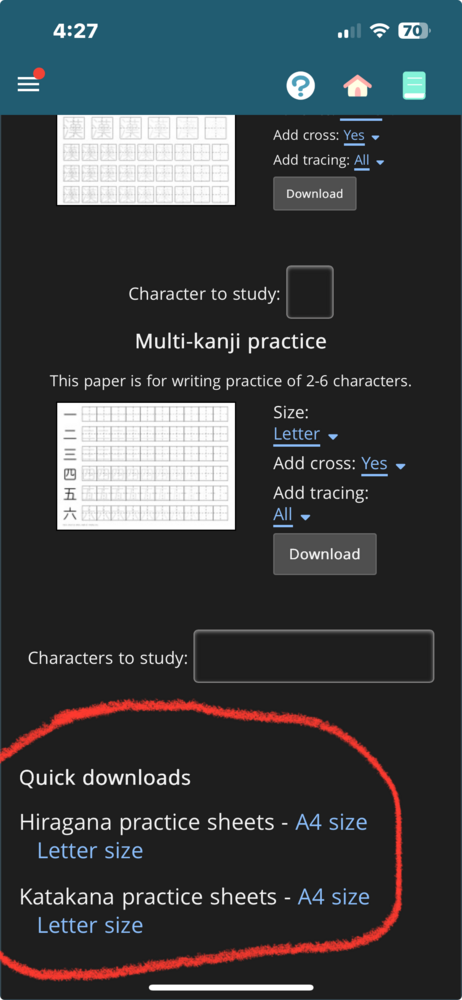
The quick downloads for kana worksheets aren’t working on the app. When I click on them, they do nothing. Actually, now that I’ve tried the others, none of the links download. It says it’s making the worksheet, but it doesn’t go anywhere from there.
Are you on android? This is most likely on me, but it looks like the permission request to save files asks for photo/video access, and once you do that, it'll go through (or at least, that's what did it for me). If you long press on the app to go to app info, can you see if any permissions have been denied for the renshuu app?
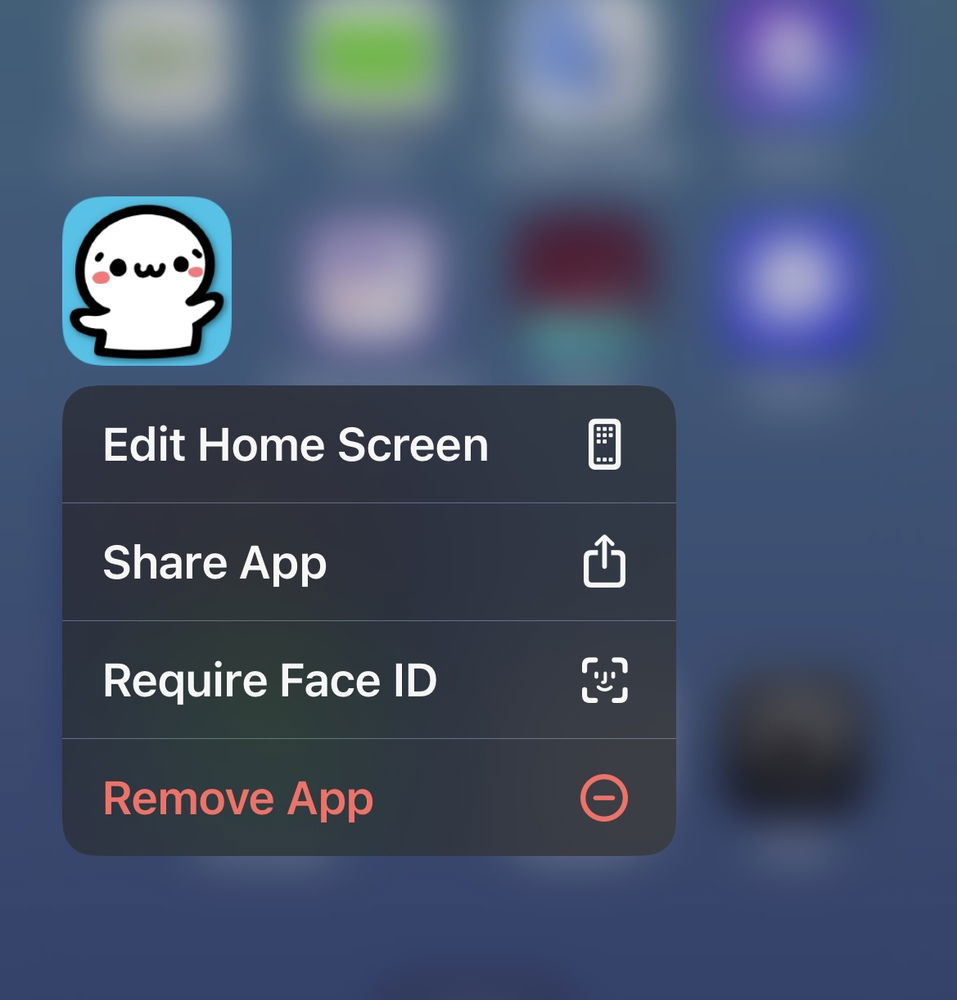
No, I’m on an iPhone. It doesn’t ask for permission when I click on it now. I checked my photo permissions, and Renshuu doesn’t show up on the list of apps at all. When I long click on the app icon, it doesn’t show restrictions. this is all that comes up.
Ah, iPhone - permissions are set up differently over there.
I won't be able to look into this for awhile, but I *know* they worked previously, and so it's possible something got knocked "out of place". I hope that some other iOS users see this and give it a try so we can see if it's widespread or not.
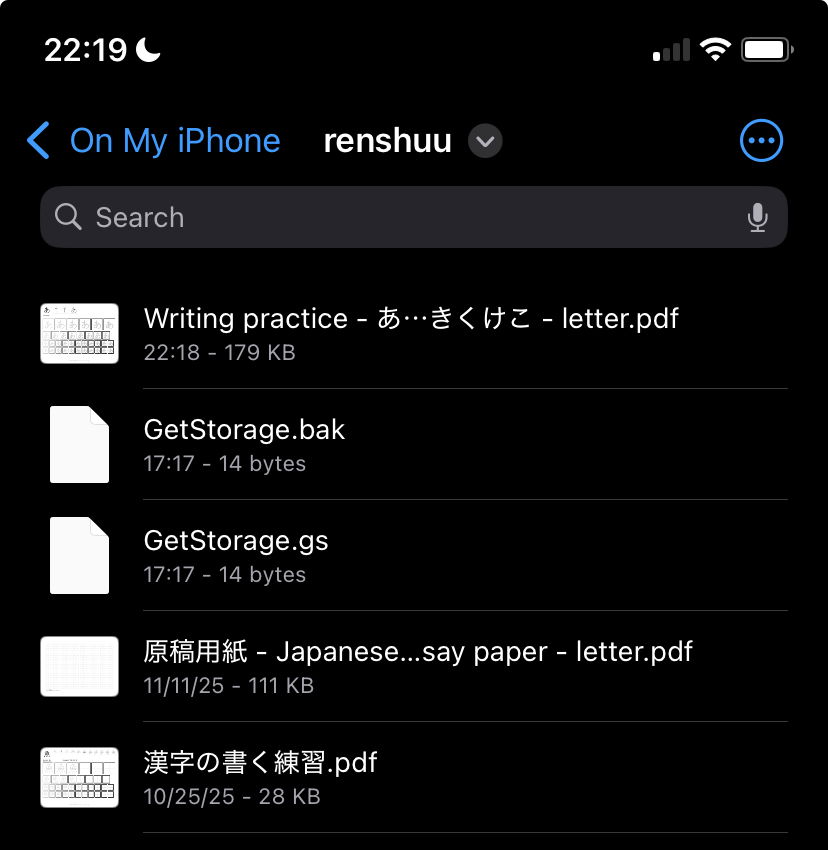
The text that I posted along with this image apparently didn’t come through. The download works for me. Jules.33 may not be looking in the right folder. Be sure to check the renshuu folder.
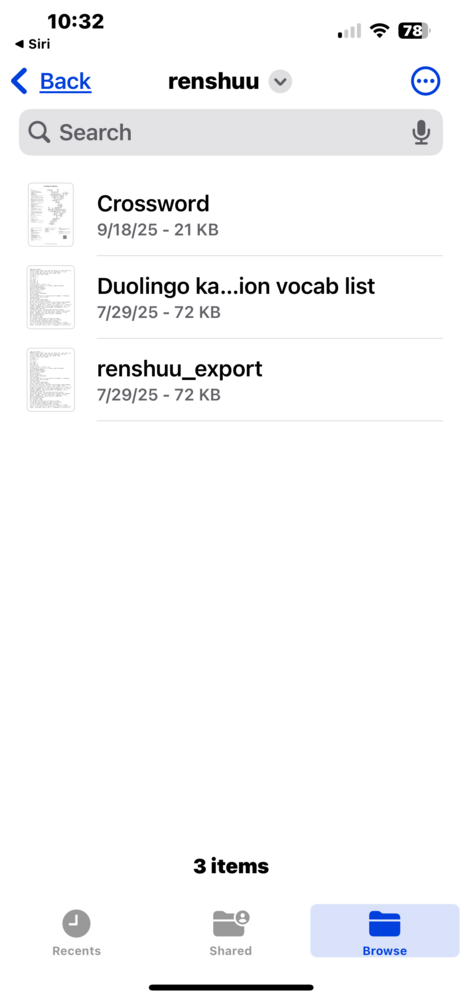
It looks like other files are getting downloaded, although all of those seem to be much older. Can you try a few of those (downloading a crossword, or an export) now and see if they still work for you? It'd be useful to know if ALL your downloads are not working, or if it is limited to just the worksheets.
No problem. I can create a crossword puzzle and I can open the window to download it. But none of the options seem to be working beyond that point. I tried downloading an image, downloading a PDF, and downloading the newer version of the PDF. It says “making,” but it seems to hang indefinitely. Neither the image or the PDF appear.
Ok, well I'm glad to hear that at least some of the downloads are working. As I cannot yet replicate this on my end, this is unfortunately going to require a bit of back and forth to try and suss out the issue.
I have a feeling that the Japanese text in the filename may be the issue. Please go back to Resources > Worksheets, then click on the quick downloads at the bottom: Katakana (A4). I just renamed the filename to exclude all Japanese characters.
Thanks again. Really strange, as both that link (regular paper) and the practice ones use the exact same download flow.
I do not think this is going to work, but I tried an overwrite for just your account where all downloads from that page will be test_name (.png or .pdf). Let's see if that changes anything.
Sorry for the delayed reply. I'm really not sure what is happening. It *feels* like it is isolated to some combination of environmental settings within your copy of the app or within iOS. If I cannot replicate it on my end, though, then it's really just me throwing darts in the dark :(
I originally posted this about five months ago, but I want to report back, that AI was able to help me fix the problem. For some reason, logging into the Web version of Renshuu communicated something to iOS, because the app works after logging in on the Web version. Even after logging out of the Web version, the app continues to work. I don’t know if this is a one time fix, or if I’ll have problems again in the future. But I think this shows that the problem has to do with the app communicating to iOS, since the web version had no problems generating the download. This is what AI said after the problem was fixed:
“It strongly suggests that logging into Safari triggered a one-time setup or initialization that the app needed but wasn’t doing on its own. Some possibilities:
•A cookie or token was written to your device’s shared storage that the app’s web view needed, and now that it exists it persists even after Safari logout
•iCloud or iOS shared credential storage got populated by the Safari login, and the app can now read it
•Some first-time setup completed on the server side tied to your account/device combination that just needed to happen once.”
I hope this helps you figure out where the bug is. But, at least for now, I can successfully generate the worksheets.
Very interesting. It is not surprising that they are "talking to each other". I do not know the absolute specifics, but both versions of the app use a webview, which is basically a headless version of the "native" browser. So Safari is running inside of the iOS app, Chrome inside of the Android app.
I already know that things like password management are shared across the divide, so it is possible that something else is as well.
Thanks for following back up with this info! I still cannot say exactly what it might be that caused the original bug, but if it ever spreads out to other users, this might be something I can fall back on to look into.