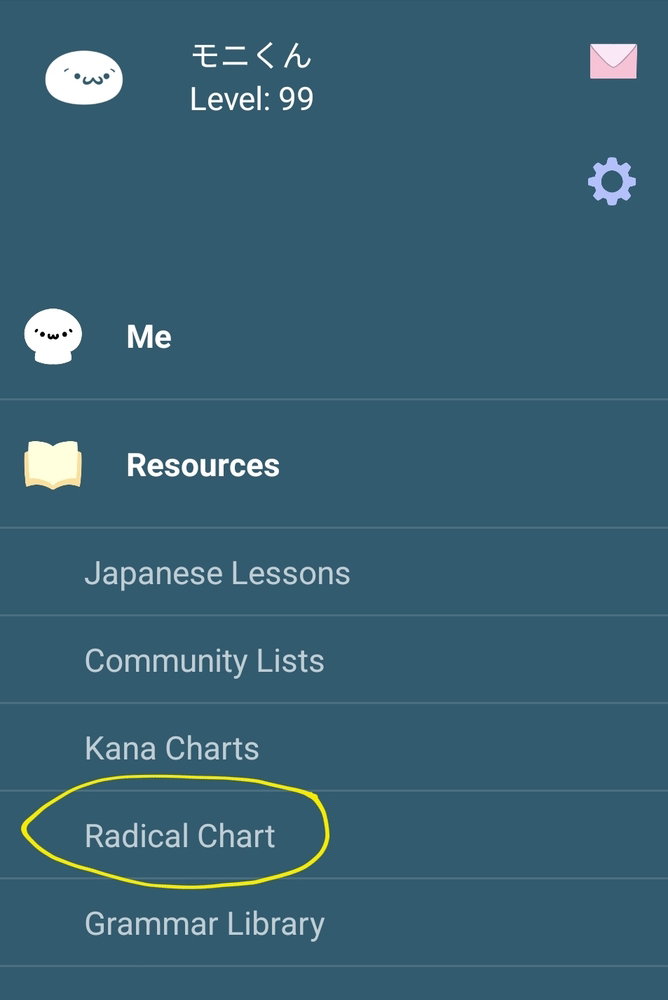
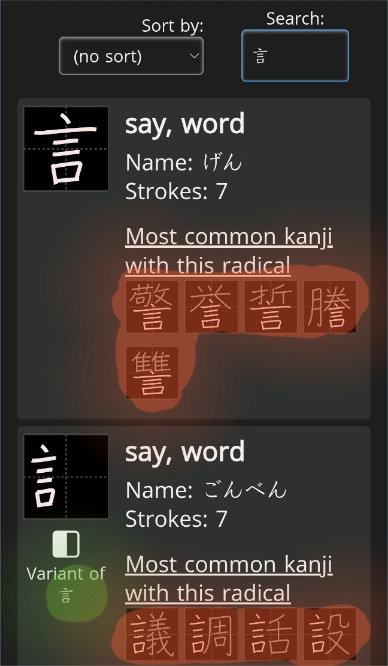
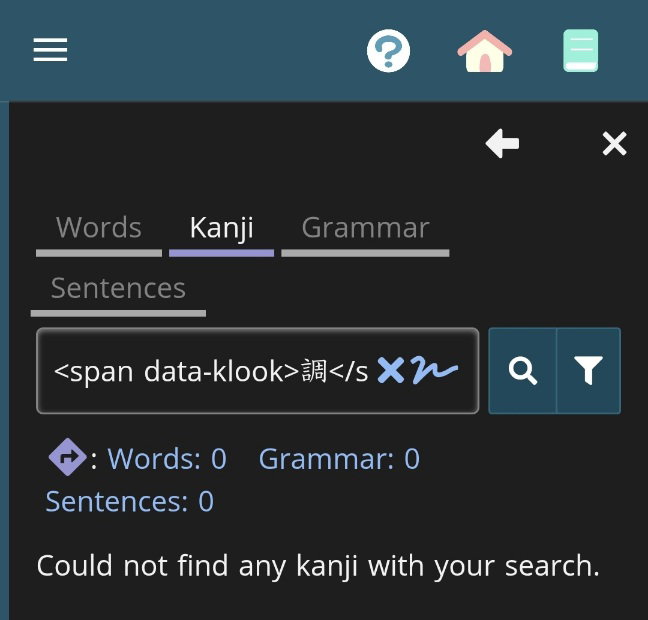
When searching for radical 言, then clicking one of the "common kanji with this radical", the dictionary opens but the string being looked up is like this:
<span data-klook>調</span>
I can reproduce this multiple times, as long as I input 言 in the search field, right away or after other searches.
Reproduced in the web version on Chrome Android as well.
I tried with 口 and 心 as radicals (random choice) and did not have the issue. Something special about 言?
There is something special about the 言 radical. It doesn’t have a dictionary entry for its reduced form (訁). This seems to be a limitation inherited from KANJIDICT.
EDIT: Actually, I think the omission can be traced back to Unicode’s CJK Radicals Supplement block, which specifies ⻠ instead of 訁.
In the meantime, if you really need to see the most common characters with that radical, you can use the advanced search tool. Add the list “By radical > 149 - speech radical 言(げん)” and filter by grade level.