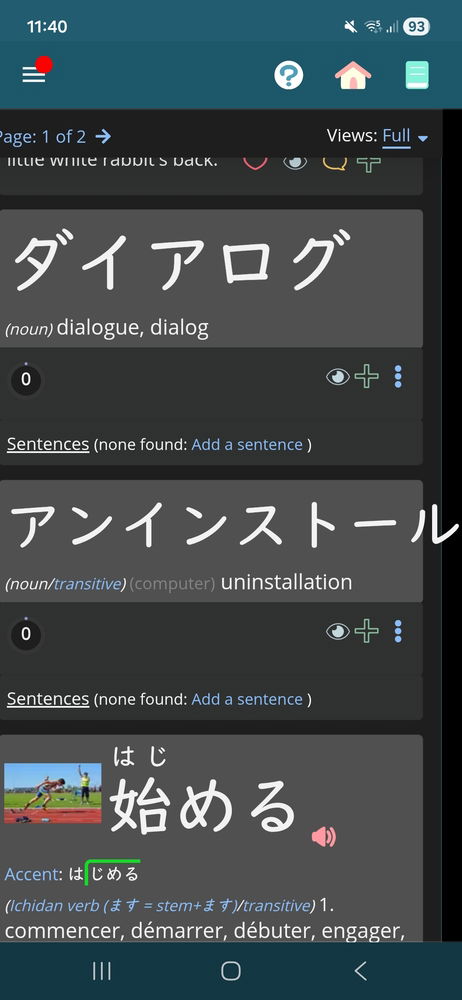
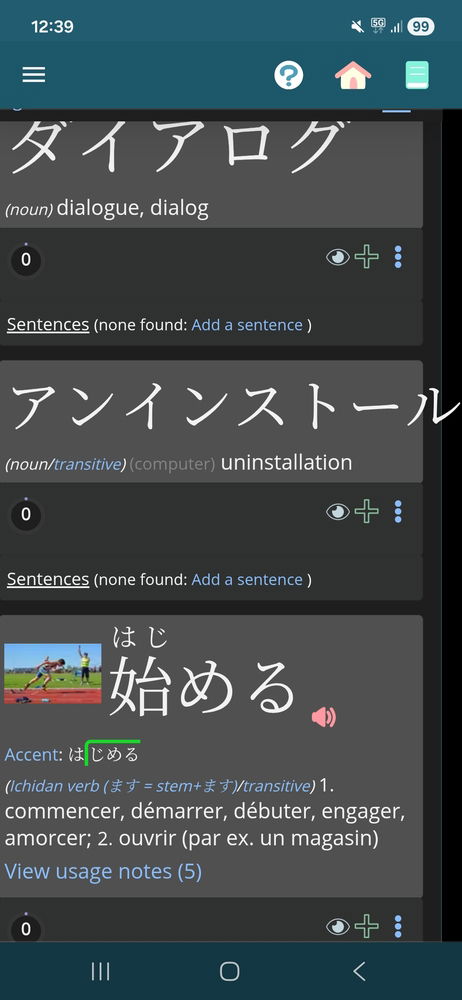
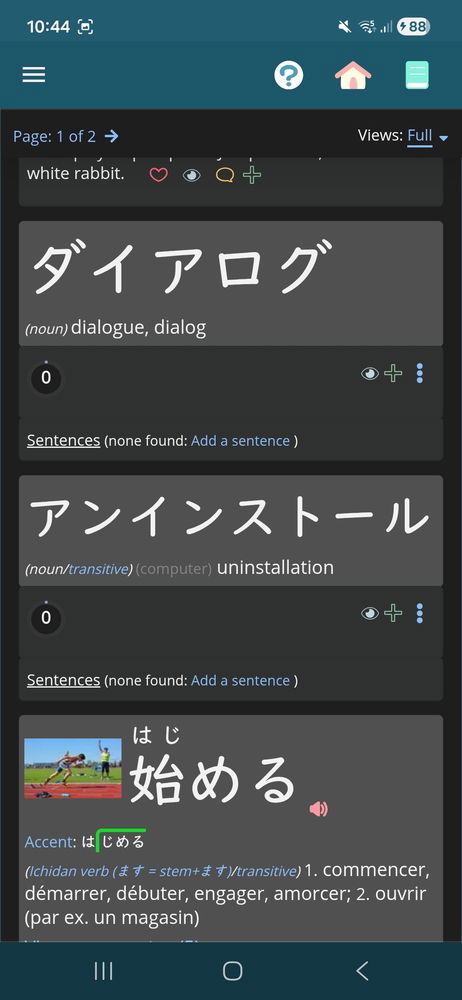
Hiii, I'm in the global serveur (maybe that's why), and I saw a word in katakana or hiragana too long for its text space and finishing out of my screen. It was when I was looking at someone else's list. I'm on Android, smartphone. Not a big issue imo but I thought it was worth mentionning. (Sorry if it isn't clear i'm not a native english speaker).
Thanks. I am not yet able to replicate this (it wraps around correctly when I am looking at it). Can you tell me exactly which list that is, and what steps you took to access it?
Thanks. It seems to be something weird with how the font is working. I've tried adding a little padding to the right that should hopefully push it down to the next row.
Ok, it's strange because I thought that the text was the content of the grey box in the UI system. Maybe the text box isn't connected somehow with the grey label. Thank you for looking at this bug!
It is connected. What's weird is that if it is *really* too long (by 2+ characters), it will absolutely wrap around. You can see in your screenshot that it's not even a whole character that is out. I have to wonder if the way some of these fonts are designed, they have a bit of overflow, if that makes sense.
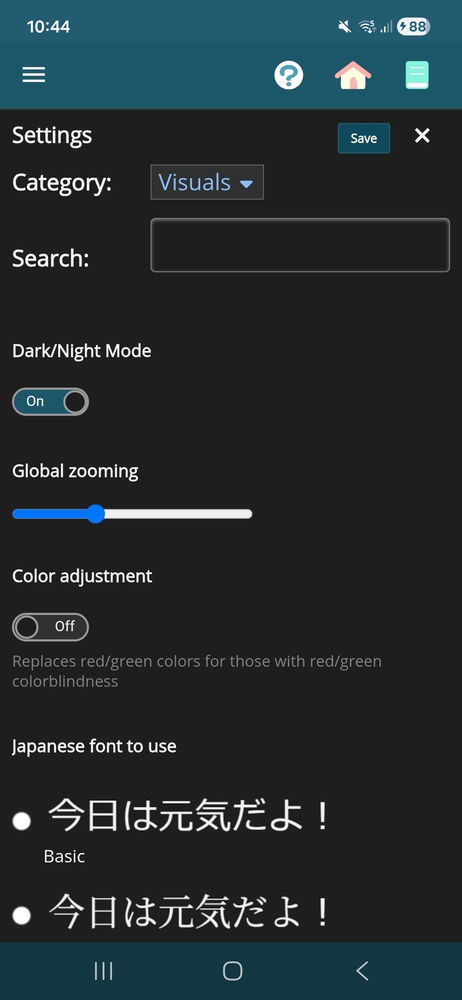
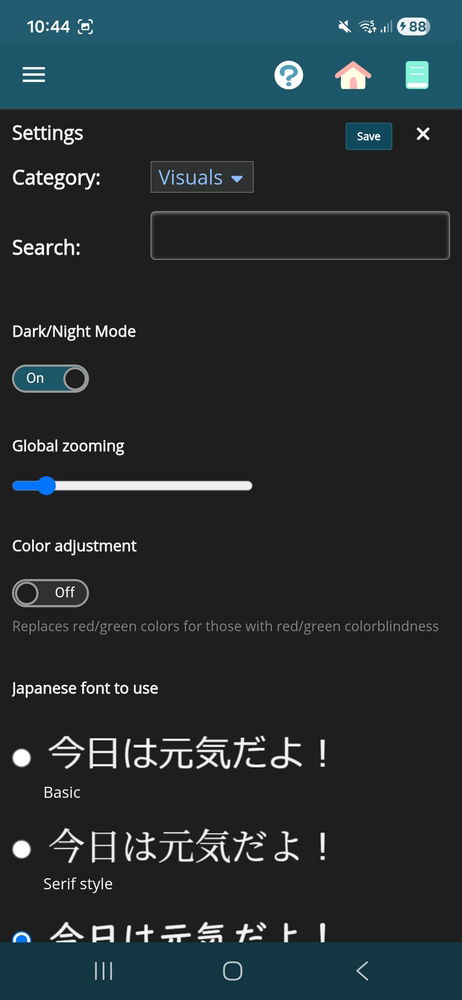
If you feel like it, I'd be interested to see if the issue persists if you change to one of the other fonts under Menu > Settings > Display. It looks like you are using Textbook (which is my favorite), but try one of the other two at the top.