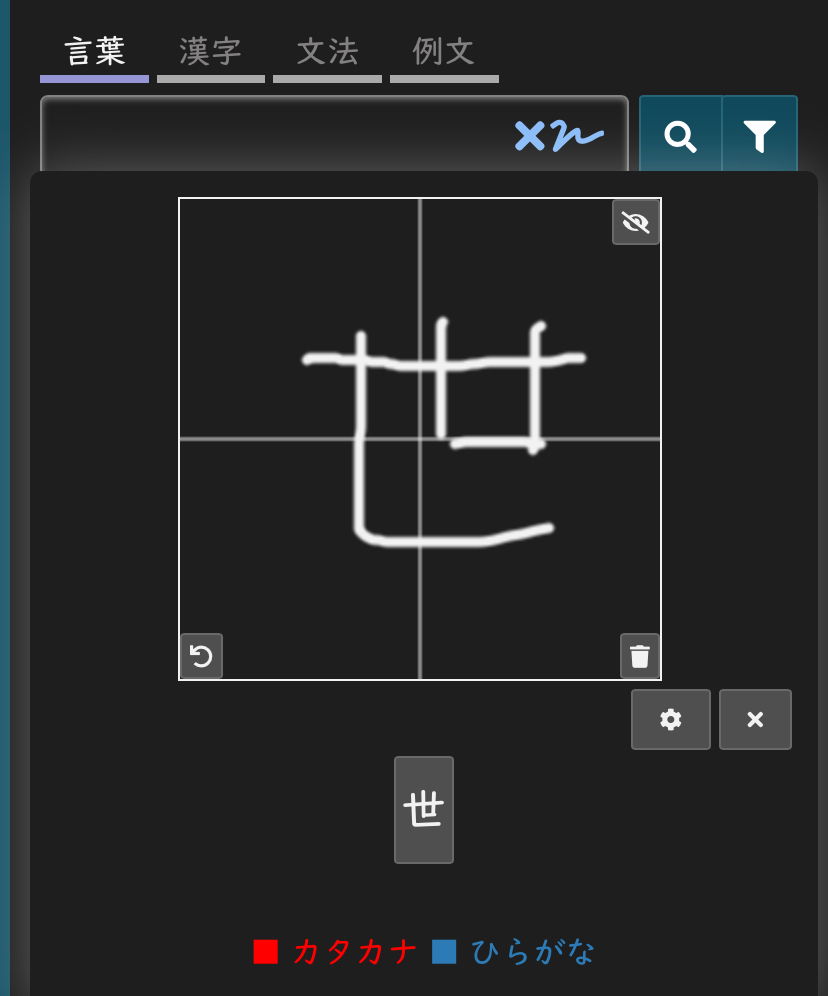
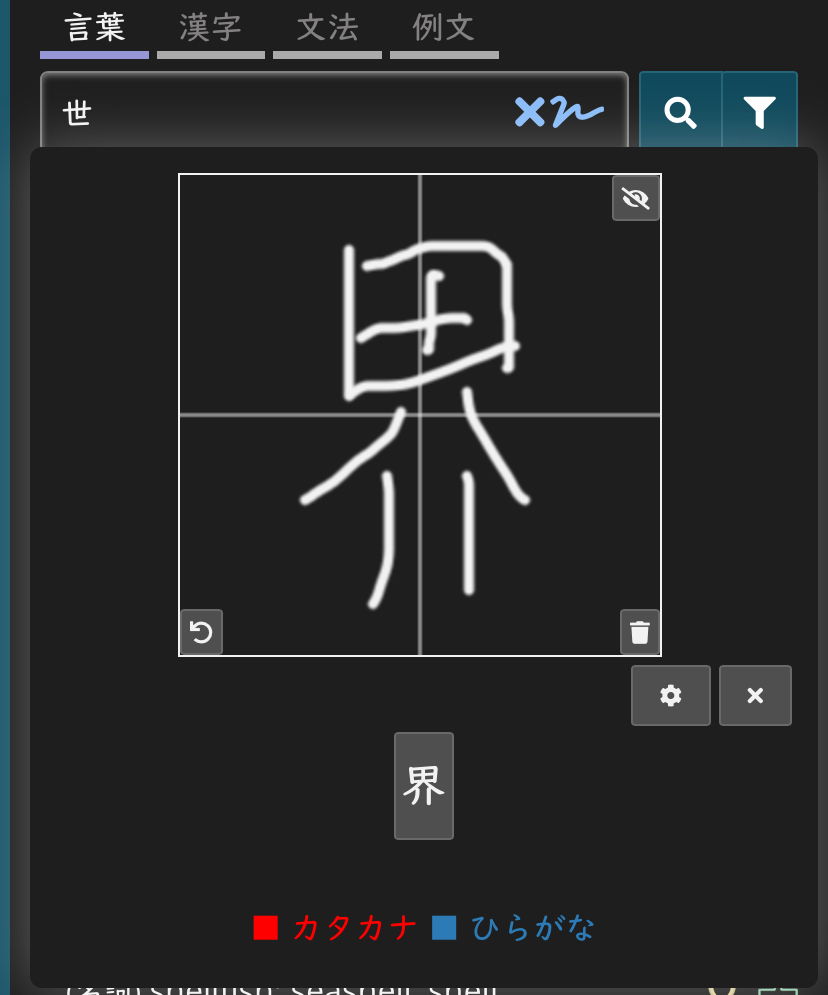
You can use the handwriting recognition widget (the squiggle after the X) to look up words in the dictionary to check to see if you are writing them correctly. It works with both kanji and kana, but you do have to enter one character at a time.
For example:
(first character)
(second character)
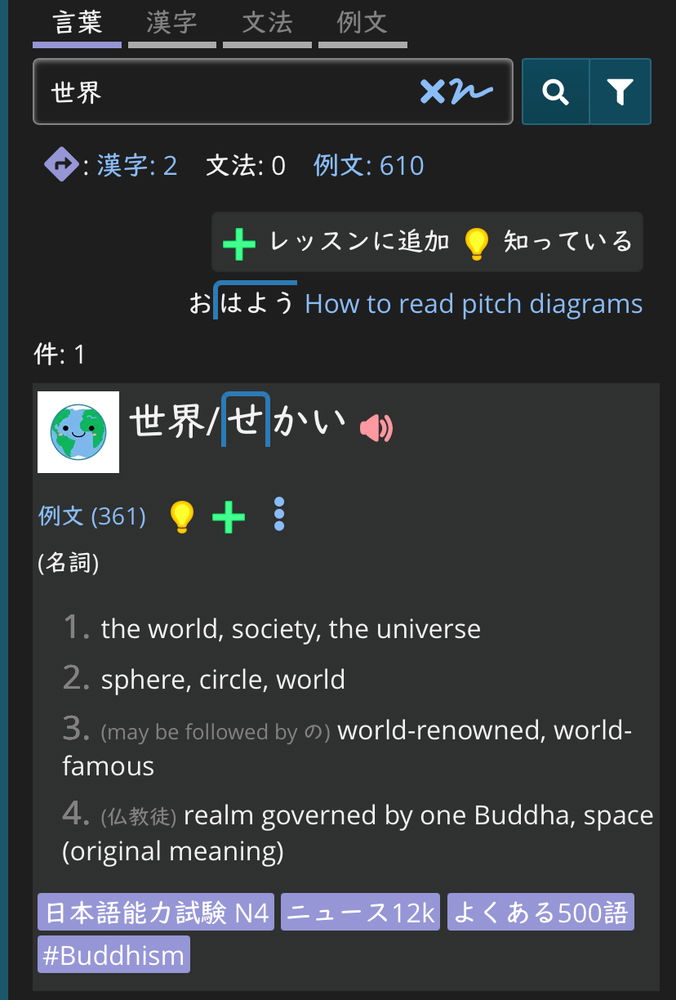
When you are done entering characters, close the widget and hit return to look up the word.
If you meant “the word”, then on top of your dashboard there is a line with the number of terms. If you click on it, you can see a list of all the terms you’ve studied. There is also an option of looking through the terms in a specific schedule - it’s the “view terms” button under the schedule. Or you can just try to look the word up in the dictionary.