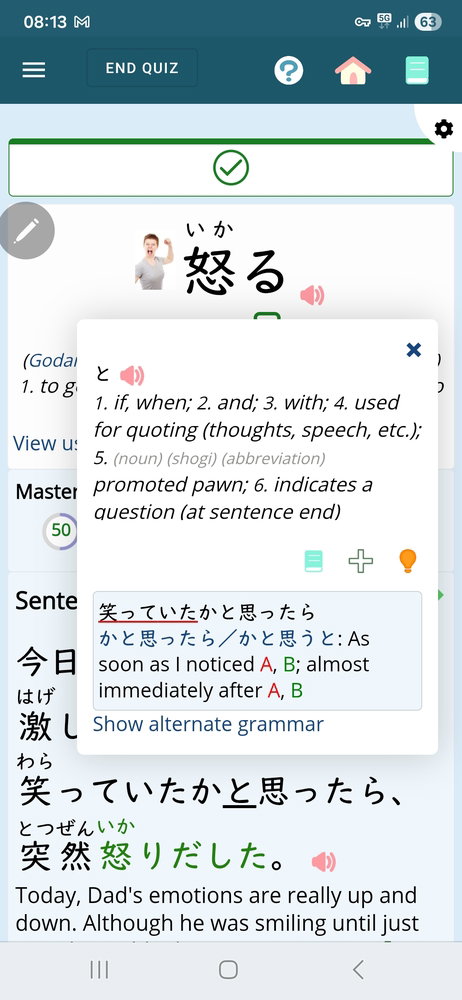
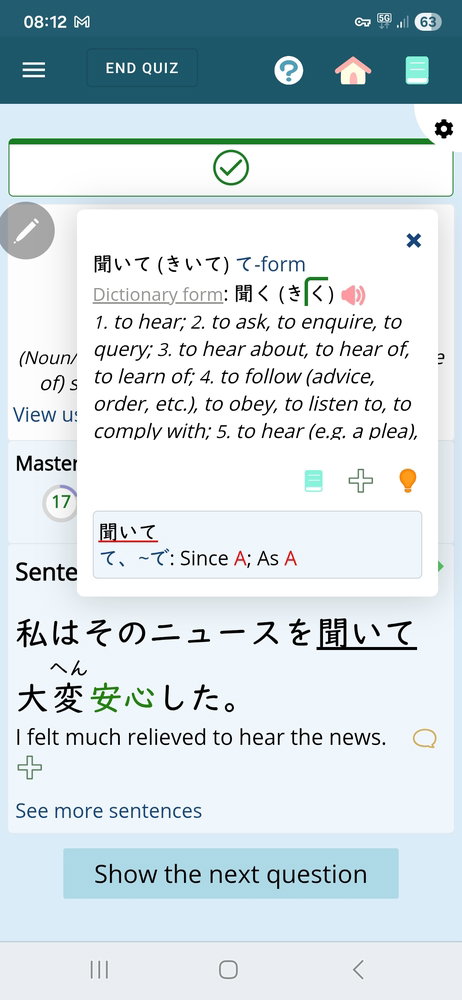
Maybe it's just my phone model and the fact that I use a stylus, but renshuu (a great app in so many ways) constantly throws up hover overlays that obscure the content I'm trying to read. I'd love to simply disable them all but can't find the setting. Is there one?
"The popup always come up when the stylus is hovering and disappear when the stylus moves away. Yet, this behavior is not really desirable, as you generally don't want a hovering stylus to trigger all sorts of annoying UI interactions. I wasn't expecting hover interactions to be enabled at all. Maybe the dictionary popup bug can be prevented by simply disabling all hover effects when Renshuu is running in a small window as a mobile app? (Ideally, regardless of app vs. website, they would become re-enabled only when a real mouse is detected, e.g. in Samsung DeX mode, but I'm not sure how easy that is to detect in CSS.)" Michael: "That *might* work, but not as easily as you describe, unfortunately. There is a "stepdown" process where onmouseover (hover) effects are treated as ontap for touch devices (like the modals for words in sentences), and I would not want to turn those off completely. There is probably a hacky way to ignore hover while treating the original hover events as taps, but I'd need a device + stylus with hover detection to begin to test it :(" Source: https://app.renshuu.org/forums... It does not appear there is a fix for this, unfortunately. You'll probably just have to be careful where you point the stylus, or switch to touch. You could try compact dictionary definitions, or simple definitions, but I don't think they make much of a difference (at least not while I was testing it)
This definitely happens, although perhaps less often, even when the stylus is stowed in the device's little mousehole (ie, when the phone knows the stylus is "off").
Thanks for looking at the issue, though, folks. Appreciate it. Must be a nightmare making something that works on a hundred different devices.
Yea - it's just me behind the development, and it's really tricky to try and debug stylus issues (of which I've seen numerous ones over the years) when I don't have that device. If you want to send me your device, I might be able to look at it *laughs*
The only thing I can suggest is that others have had success changing the settings of the stylus within your device's OS settings. I wish I could help more!
If you just basically test whether your stylus does anything across various distances in front of the screen and the same around the proximity of the sides of your device, that will either prove or eliminate the stylus sensitivity being the culprit vs the app. That would mean the stylus is being detected it's being interpreted as a hover/mouseover by proximity (which it should do by legitimate means). It's likely you have your sensitivity high enough that it would do that. I generally don't think this is on the app, as it doesn't throw random hover effects without something on the screen that is doing that (like if you use a mouse!).
So, either you have to adjust the sensitvity settings, or you have to be mindful of the device's proximity to the stylus and try to steer it clear from the device for times when you're not touching anything and using the app.