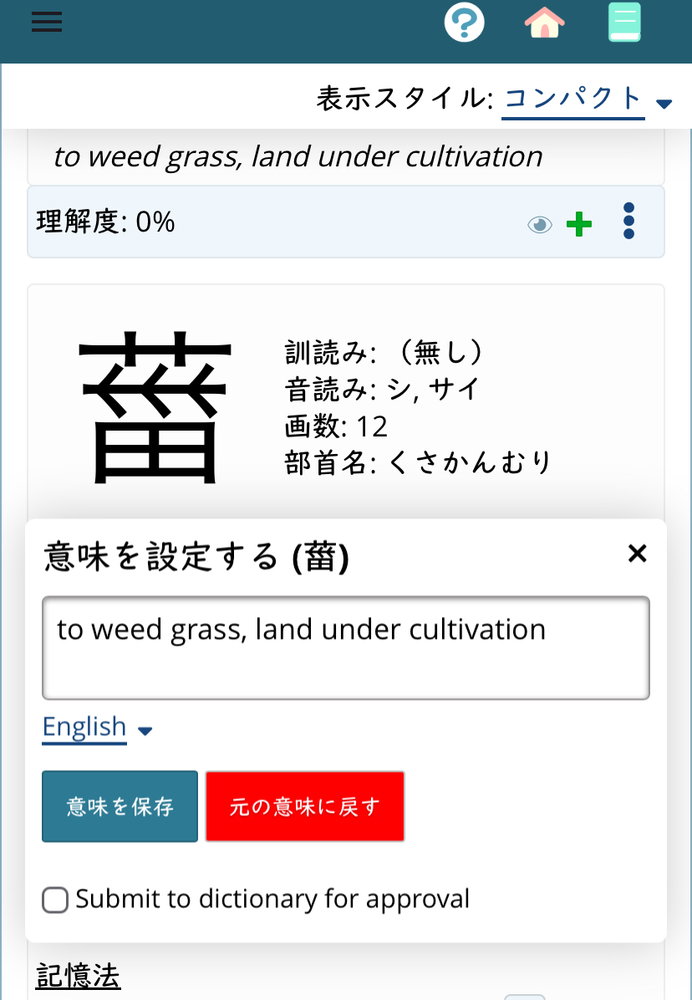
You can’t do it from the dictionary; you have to work from either a list or a quiz. Lists are easier to use. You can also work directly on the schedule, I think.
Once you’ve found the character you want to customize, choose customize meaning from the pop-up menu behind the three dots. Edit the text, hit save, and close the dialogue with the x in the corner.
The dialogue used to close automatically, but right now it doesn’t. This seems to be a side effect of Michael’s rewrite of the pop up dialogues.