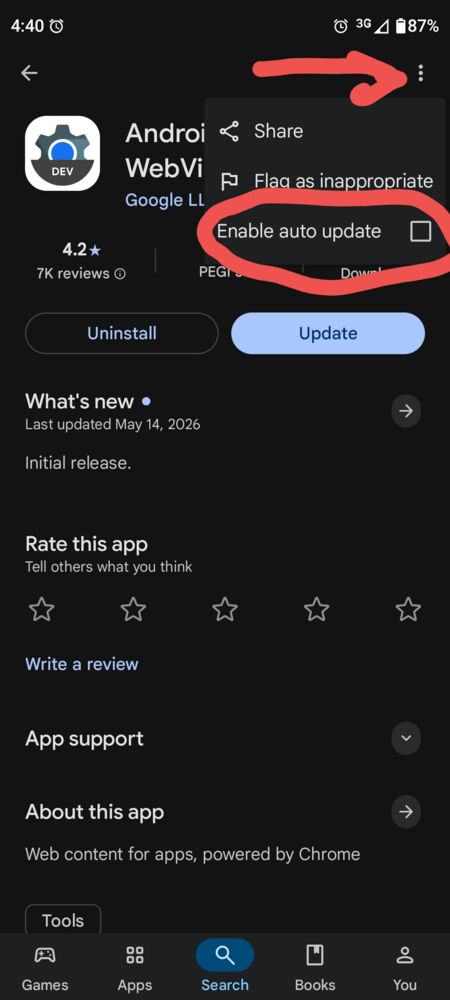
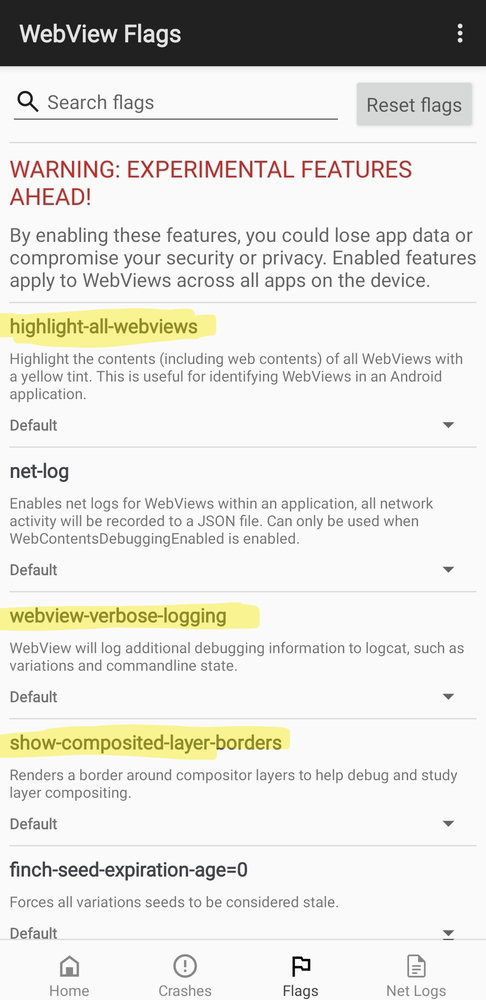
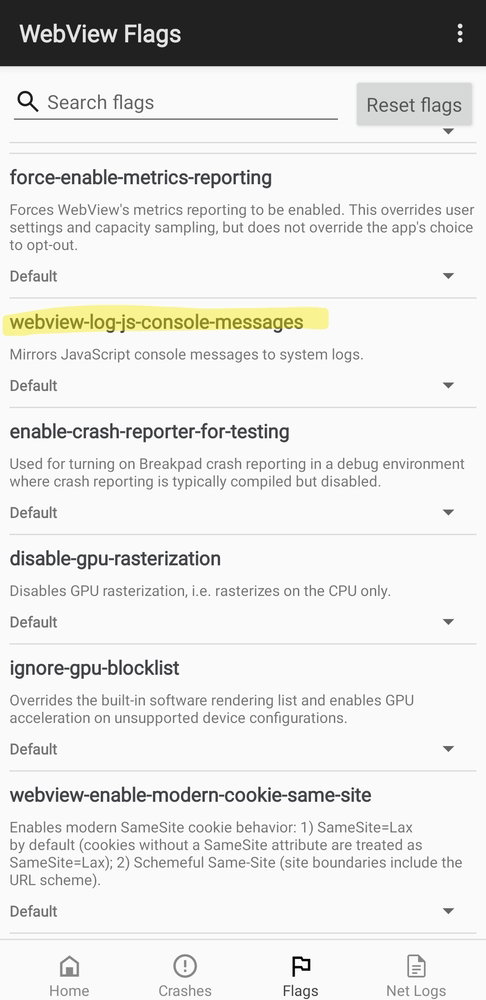
Cause: a recent update to Android System Webview, an app run and updated by Google that is used by many apps, including renshuu, is causing issue to some apps in certain situations.
Temporary Fix 1 (works for some people): Long press the app icon on your phone, then go to Info > Memory/Cache. Clear all of this out (this will not remove any of your account data, just log you out). Open the app again, then log in.
Temporary Fix 2 ("stronger" fix than #1): You'll need to remove the updates to Android System Webview. How to do so:
(layout may vary slightly depending on your Android version).
1. Go to the Phone's Settings
2. Find the Apps section/category
3. Go to "All Apps", then find "Android System Webview" - Tap to view information.
4. Somewhere on that page, you should have an option to "Uninstall updates". For my phone, it was hidden in the vertical ... icon in the top-right. Do that.
5. Run renshuu again.
However, if you are uncomfortable making this change, do know that you can always open up renshuu.org in your browser of choice on your phone, then log into the same account that you use with the renshuu app.
I will be monitoring this, and will update this thread when we believe that the newest version of Webview works with renshuu and other apps.
==== Original post ====
As this is popping up in a number of thread and messages, I'd like to use this to keep all the information in one place.
1. Temporary fix: long press on the app icon. Then go to (wording may be slightly different) "more info" > "data/cache", then clear out all data AND cache. This will not clear out any renshuu data, only log you out. After that, log back in.
2. After doing #1, if it happens again (not earlier, but after reading this post and doing the step above), please report here with the following:
A. Android version
B. renshuu version (it is the bottom-left in renshuu's pop-out menu)
C. What was the thing you were doing in renshuu when it happened.
D. Is there anything else you can do in renshuu via the menu? (Return via the home button, load mail/settings, etc.)?
E. Please go to your Android's settings, then go to the Apps section. Go to where you can see all the apps, then look for one called Android System Webview. tap on that, and let me know what version you have.