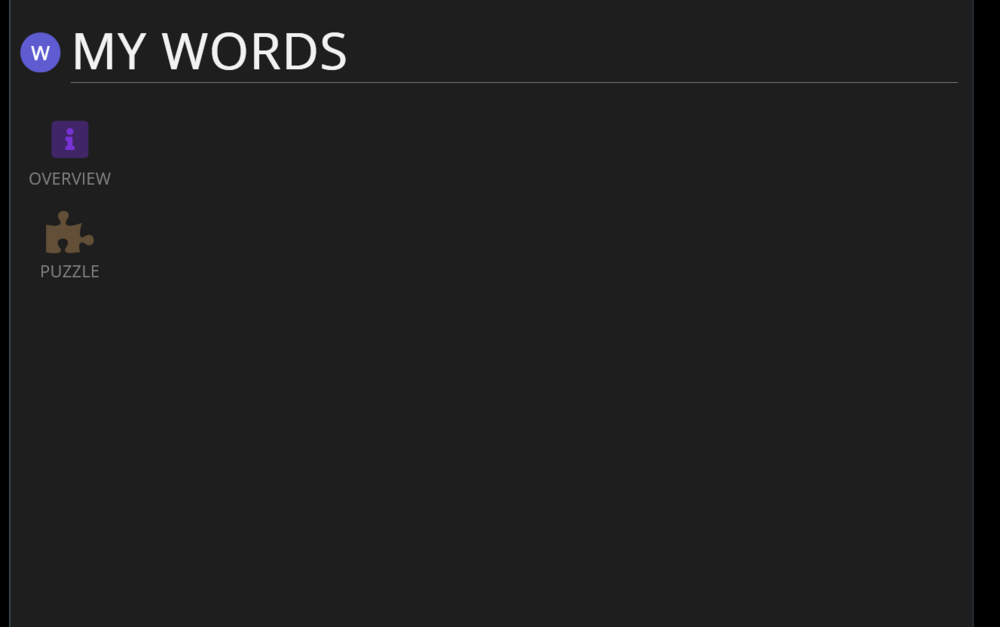
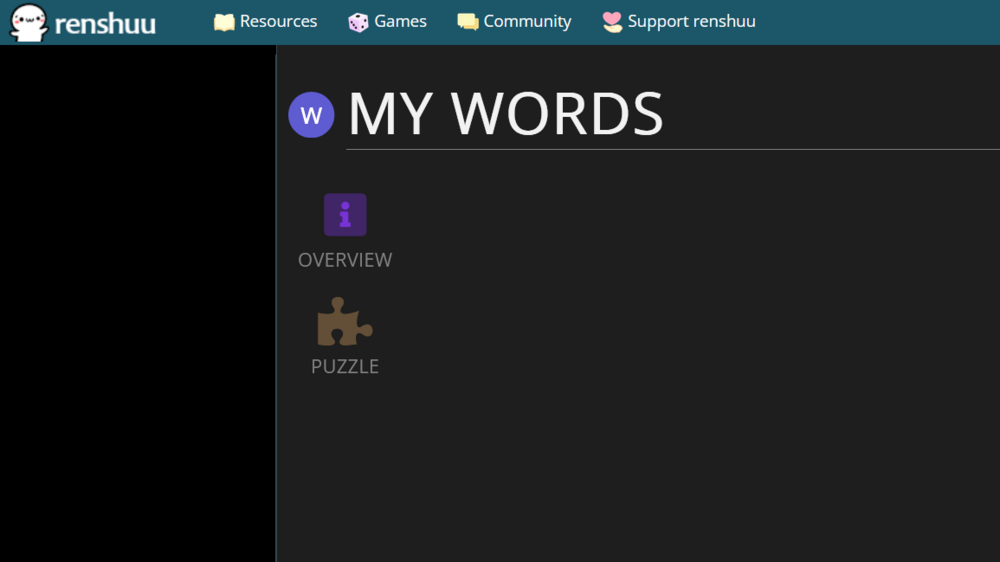
Recently (past few weeks) I've started getting screens like this pretty regularly:
This happens when I navigate the website normally. I think the one in the screenshot was either opening a word schedule or clicking "studied" inside the schedule. It's pretty frequent and can sometimes happen repeatedly even after refreshing, but it doesn't happen during quizzes. I don't have much to add beyond this, except that I'm on windows 11 / firefox and that my adblocker is disabled for renshuu.
I do not believe I've seen any other reports of this, so it must be some specific combination of actions (link taps, x button presses, etc.). If you happen to find a way to reproduce it, please let me know!
I was able to reproduce it consistently with these steps:
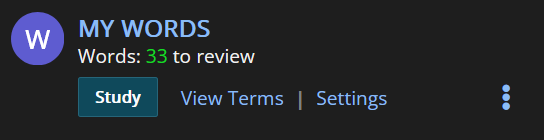
1. Click on a word schedule from the front page (on MY WORDS, here)
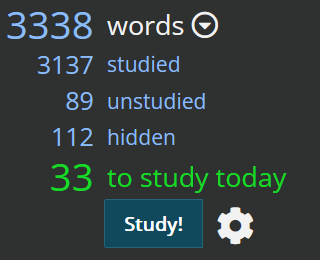
2. Click on "studied"
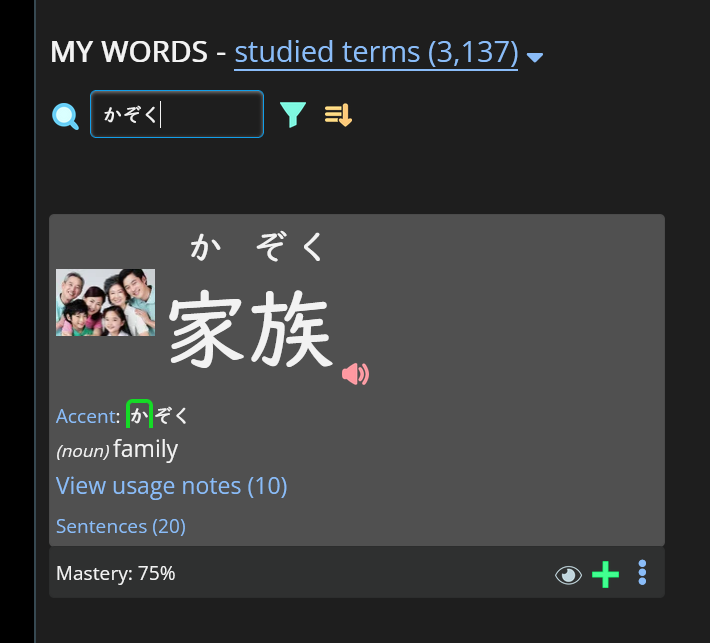
3. Search for a word that is in that schedule.
4. Click the renshuu main page button in the top left.
5. You now have this:
Extra: If you now click the renshuu button again, then my words, then studied, it will go straight back to the blank screen directly. The site is now in a kind of "blank page" mode where many things will return a page like this. It will keep doing this until you F5 refresh the main page or restart your browser etc.