I use it a thousand times a day. I cross reference it when I use other apps, when I use discord, when I am reading physical books, or when ever I am pondering something. It is what made me go pro.
It is brilliant and a shining star.
That said it means I have to start up Renshuu a thousand times a day or never close it. I would love a stand alone widget or a button/icon that would go straight to the dictionary from my home screen. 📱I have no idea if this is possible or how it would work on the back end. I also know マイコー is super busy. It makes me wish I had programming skills.
Interesting. I will have to figure out how to do that on my phone. I could definitely do that in my sleep on my pc.
And Thank You, マイコー. I know you are busy. I just thought I'd put it out there.
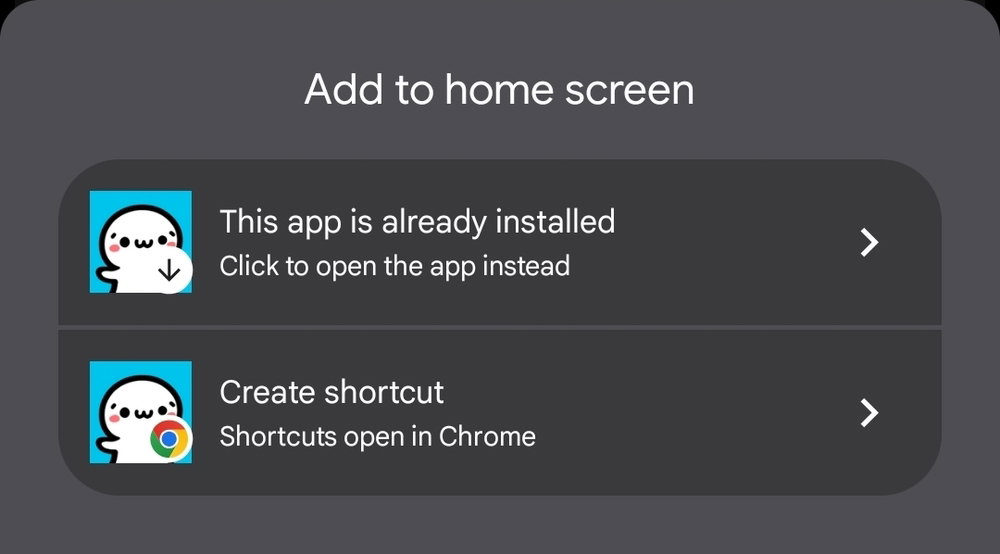
(well, sadly it isn't cutting any steps out. It is behaving exactly like the default app. A proper url short cut isn't really a thing on Android from what I can tell. I will do some research but I suspect it is just what it is)
Once I add it to the home screen, it just opens the app and doesn't go to the dictionary. Since I already have the app on my home screen it is superfluous to add another icon. Thank you for trying though.
Probably works for me because I only use the PWA (as shown in my first response) and not the app.
You could try that 😄 It would require uninstalling the app and then replacing it with the web app icon, after which the additional dictionary link would work to open your browser