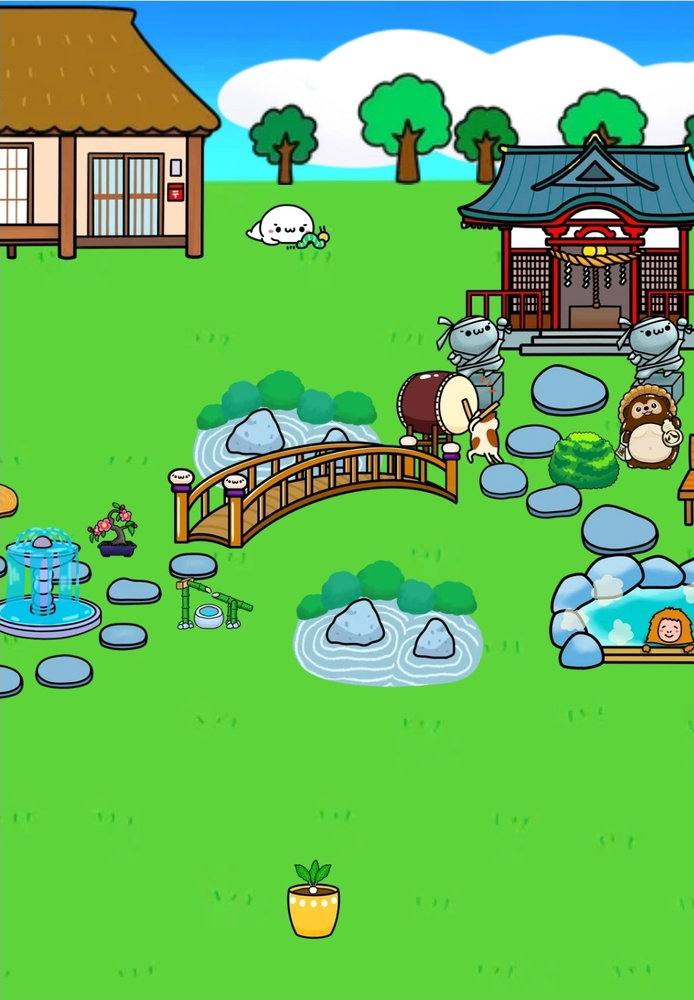
Short answer: you cannot. Long answer: do you see those red lines behind your items while you're editing your garden? If the red area from one item touches the red area of another one, a popup "overlap" will appear, telling you that you need to move at least one of them. This is probably to prevent people from stacking everything on top of each other, or something similar. You can make items look like overlapping though, when you place them really close behind or in front. Usually the red area isn't behind the whole object, just on the part where it 'touches the ground'. For example, I did this in my own garden to make it look like the bridge is over the pond.
That's basically it. So - I put as much work as I could into the garden system, but in the end - I'm not a video game designer, and this (the garden) is just one of many motivational systems inside of renshuu. So I was not able to design them as actual "objects" in the sense that they end where the drawing ends - they are all "plain old" images. In order to make them draggable, they have to be dragged out to the edges of the original image.
Without a radical change to the garden system (which I do not expect to be able to do), I do not think this restriction will be removed.