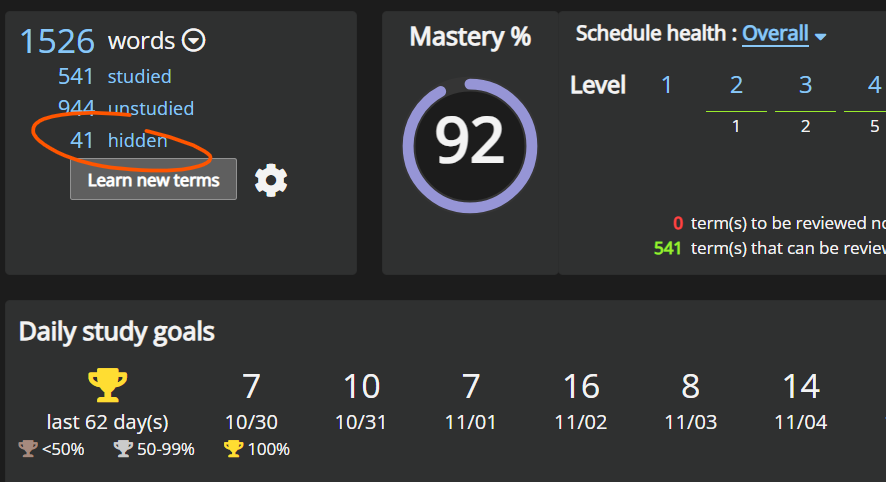
"Don't study" just hides them. You can click/tap into your schedule → go into "hidden" → unhide them with the eye icon.
Know "a bit" / "well" / "very well" set mastery to a specific level. You'd have to find the term and manually set it to unknown. It'll show up as a new term to learn again after that. You can try checking each level (to the right of "Mastery %" in my screenshot). Advanced Search might help. Not too sure.
Edit: "very well" sets terms to level 8, so you can look for them there.
If you remember the term, look it up in the dictionary and reset it to unknown from there. If you can’t find it in the dictionary or your schedules, you could just leave it, wait for it to come up in some weeks or months and treat it like any other word you can’t remember well enough yet. The SRS should take care of it then.